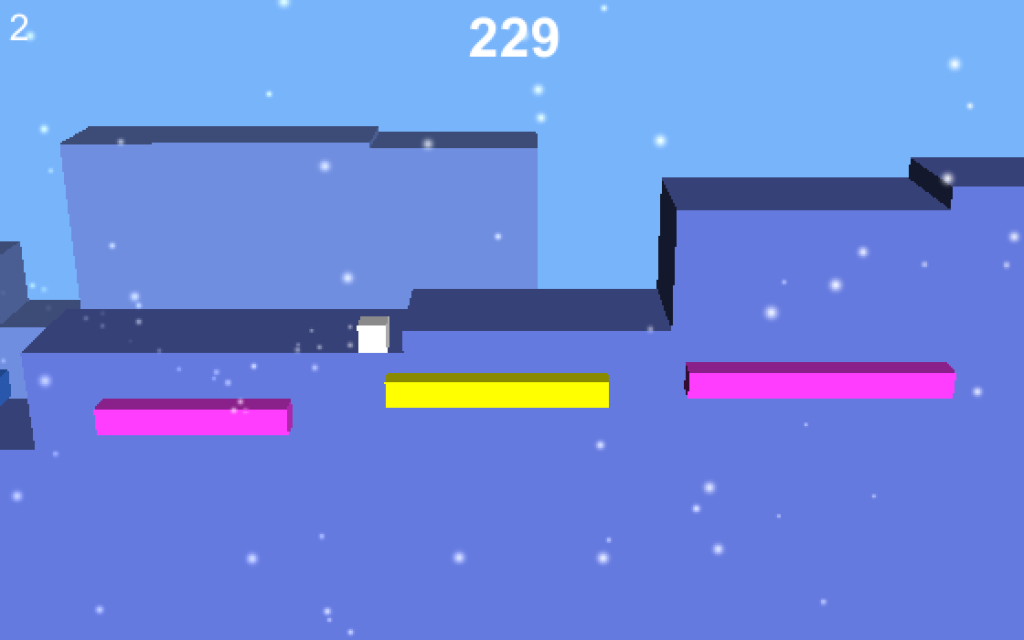

You hit publish, watched the first downloads roll in, and maybe celebrated a little. Then the numbers slowed down. That is the moment most teams realize something important. Launch day is not the finish line. It is the start of a new kind of work.
Post-launch marketing is about keeping your game discoverable, giving people reasons to care, and turning early players into a real community. You do not need a giant budget, but you do need a clear plan.
Below is a practical guide on how to market your game after it is already out in the wild.
Start with your storefront
Before you think about ads or influencers, make sure the places that actually sell your game are doing their job. That usually means your Steam page, console store listing, or mobile store page. Most players decide in a few seconds whether they are interested or not, so the basics need to be strong.
Look at your capsule art first. Ask yourself if a stranger could tell the genre just by glancing at it. The art should read clearly, even when it is tiny in a grid of other games. If it feels cluttered or generic, it might be worth commissioning a new main image or at least a tighter crop that shows your core fantasy more clearly.
Then review your trailer. A lot of launch trailers spend too much time on logos, story setups, or slow pans. For the store page, you usually want something that shows actual gameplay within the first few seconds. Think of it as proof that your screenshots are real. Trim anything that does not quickly show what it feels like to play.
Screenshots are next. Make sure they show real, exciting moments from the game rather than menus and empty rooms. Include shots that show your core loop, combat or tension if you have it, and some sense of variety so players understand the experience is not one note.
Finally, clean up your store text and tags. Use clear language that explains what the player does, how long the game is, and what makes it special. Avoid vague marketing phrases. Imagine the search terms your ideal player might use and make sure those ideas appear naturally in your description and tags.
A stronger storefront means every person you send to that page is more likely to buy, which makes all of your other marketing work more effective.
Treat the game as a living thing
A lot of players hesitate to buy a new game because they worry it will be abandoned. Even a small update plan can change that perception. You do not need a giant public roadmap, but you should have a simple answer to one question. Why should someone come back next week or next month?
Focus on a few lightweight commitments you can keep. That might mean regular bug fixing and performance patches, a steady trickle of quality of life improvements, and occasional content drops that feel meaningful, even if they are modest in size. You can also experiment with small events, like time-limited modes or community challenges, that give people a reason to log back in now instead of “someday.”
The key is consistency. Players would rather see one small update every few weeks than promises of huge expansions that never arrive. Under promise and over-deliver whenever you can.
Build a real community, not just an audience
Once the game is out, your community becomes the heart of your marketing. People are far more likely to try a game if they see other players talking about it, sharing clips, or recommending it directly.
Pick one or two primary homes for your community and commit to actually showing up there. For many indie teams, that means a Discord server and the Steam discussion boards. It can also include a Reddit community or a channel in a larger server if that is where your genre already lives.
In those spaces, be present and human. Reply to questions, thank people for feedback, and be honest about what you can and cannot do. Share work-in-progress images, early patch notes, or design thoughts so players can see that the game is evolving.
Make it easy for players to be visible too. Highlight fan art, cool builds, speedruns, or funny clips. A simple “community spotlight” post each week can go a long way. When players feel seen, they are more likely to stick around and bring their friends.
Work with creators as partners
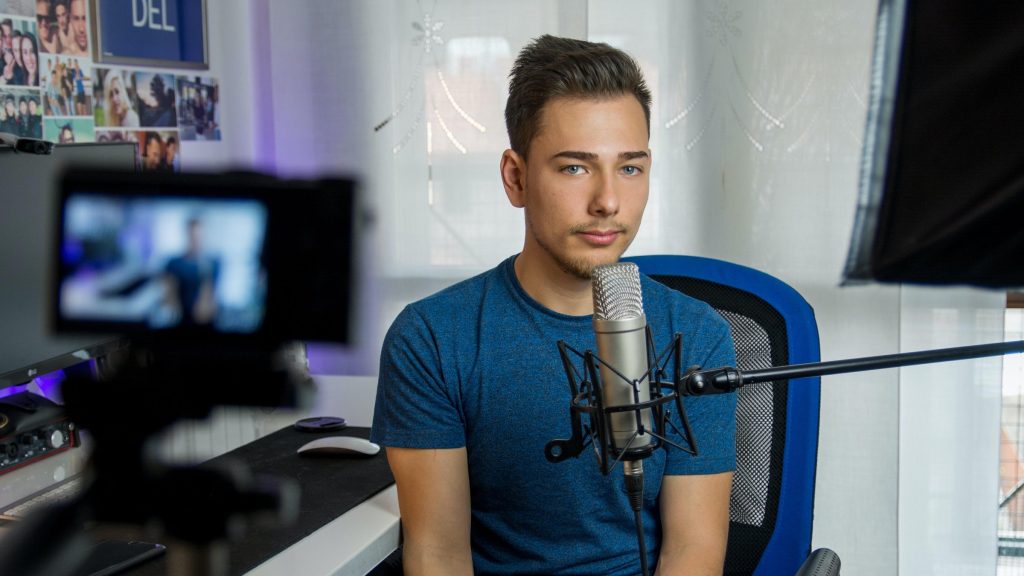
Content creators, streamers, podcasters, and YouTubers are often more important than traditional press, especially for certain genres. The challenge is that they get buried in generic “please cover my game” emails. Your goal is to be the opposite of that.
Create a simple press or creator kit that lives online. It should include a short pitch in plain, direct language, a few strong screenshots and logos, and a link to your best trailer or some raw gameplay clips. Having everything in one clean place makes it much easier for a busy creator to say yes.
When you reach out, start with mid-sized creators who already enjoy games like yours. Watch some of their content first so you understand their style. Then send a short, personal message explaining why your game fits their channel and offer them a key, early access to an update, or something that genuinely helps them make an interesting video.
If a creator actually likes your game, stay in touch. Share upcoming features, ask what their audience reacted to, and consider inviting them to try betas or special builds. Long-term relationships with a few creators are more valuable than one big spike you never repeat.
Go where discovery really happens
Players do not just learn about games from big websites anymore. A lot of discovery happens in short-form video feeds, Discord communities, and through friends. That is good news, because you do not need permission from a gatekeeper to reach people there.
One of the easiest things you can do is start posting short clips regularly. Capture interesting moments: a satisfying combo, a clever puzzle solution, a wild bug, or a funny failure. Edit the clip so the interesting part happens immediately, add very light context if it needs it, and post it to places like TikTok, YouTube Shorts, and Instagram Reels. Imperfect but frequency is better than polished but rare.
If you are comfortable on camera, consider simple devlog videos. After launch, talk through what changed in the latest patch, why you made certain choices, and what you are considering next. Players like to see the human being behind the game they bought.
Do not forget about events. Even post-launch, digital festivals and physical shows can give your game a second wind. A new demo for an update, a fresh trailer in an online showcase, or showing at a local convention can introduce you to players who missed your original launch entirely.

Use discounts and bundles with intent
Price changes are not just a financial decision. They are a marketing tool.
You generally want to avoid deep discounts too quickly, or you will train your potential audience to wait. Instead, tie discounts to something that feels like news. For example, run a sale when you ship a substantial update, celebrate an anniversary, or participate in a platform-wide event. That gives you a clear story to tell.
Bundles are another way to reach new players. If you know other developers who make games with a similar audience, consider teaming up for a themed bundle. Players who buy for one title might discover the others in the pack. This can be especially powerful on PC storefronts that support flexible bundling.
On mobile, “discounts” often take the form of in-app promotions rather than price cuts on the app itself. The idea is similar. Create short windows where the perceived value is higher, communicate those windows clearly, and avoid making discounts so constant that your full price stops feeling real.
Let data guide your next move
It is easy to get emotionally attached to particular marketing ideas. Maybe you love a trailer cut that underperforms, or you are sure a certain feature will bring people back but the numbers disagree. Data helps you move past that and focus on what actually works.
Set a simple habit of checking your key metrics once a week. Look at store page traffic and how many visitors convert into buyers. Watch how wishlists are changing and how many of them turn into purchases during launches or sales. Track daily active players, returning players, and basic retention for games that rely on ongoing engagement.
When you post a new trailer, run a community event, or push a big update, watch what happens in the numbers. If a particular type of post, video, or patch consistently leads to small bumps in traffic and sales, lean into that pattern. If something falls flat, treat it as an experiment and try a different angle next time.
A simple 30-day post-launch plan
If all of this feels overwhelming, break it into a month of focused effort with a few clear priorities each week.
In the first week, polish your storefront. Update capsule art if it needs it, replace or trim your store trailer to focus on gameplay, and rewrite your description so it is clear and direct. At the same time, set up or tidy your main community hub, whether that is Discord, Steam discussions, or somewhere else.
In the second week, communicate clearly about the future. Post a short message that explains what is coming next for the game, even if it is a small list. Ship at least one patch that improves stability or quality of life, and share what changed. Start posting a few short gameplay clips on your main social platform to remind people the game exists and show it in motion.
In the third week, focus on relationships. Reach out to a list of mid-sized creators who play similar games, using your creator kit and personal messages. Host a small community event or Q and A, maybe a developer play session or a live stream where you talk through a patch. Collect feedback from players and decide on a small set of changes you can realistically make in the near future.
In the fourth week, act on what you learned. Ship another update that incorporates some of the feedback you gathered. Announce a limited-time discount or in-game event that ties into that update, so there is a clear reason for new and returning players to jump in. Share the highlights of the patch, the best community clips, and any creator coverage you received across your channels.
At the end of those 30 days, step back and look at the whole picture. Check your data, listen to your community, and be honest about what you enjoyed and what felt like a grind. Keep the habits that moved the needle and felt sustainable, drop the ones that did not, and plan your next month around that.
You do not need to be everywhere or master every tactic. Post-launch marketing is about steady, human effort that keeps your game visible, keeps your players engaged, and keeps you learning as you go.